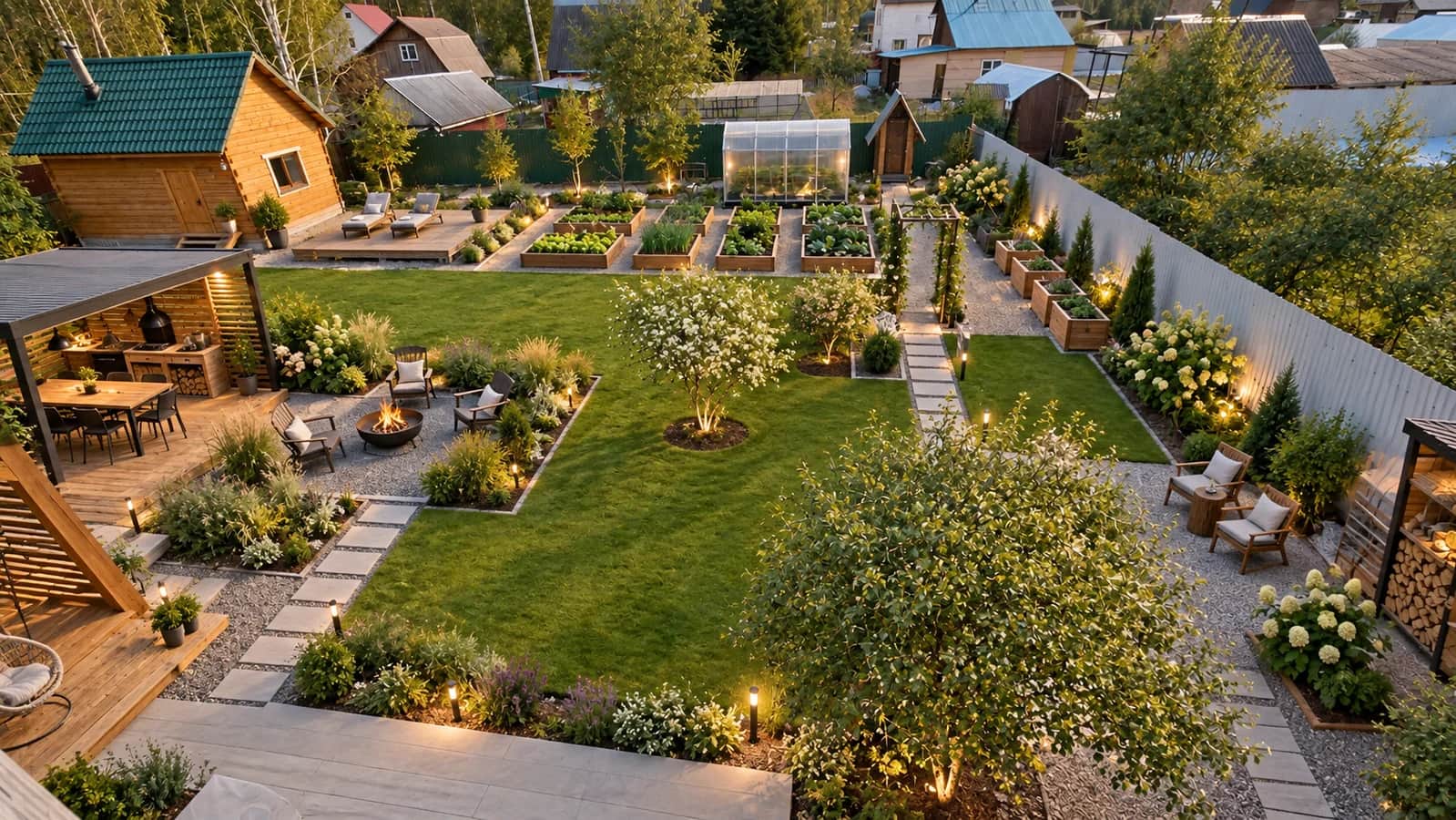
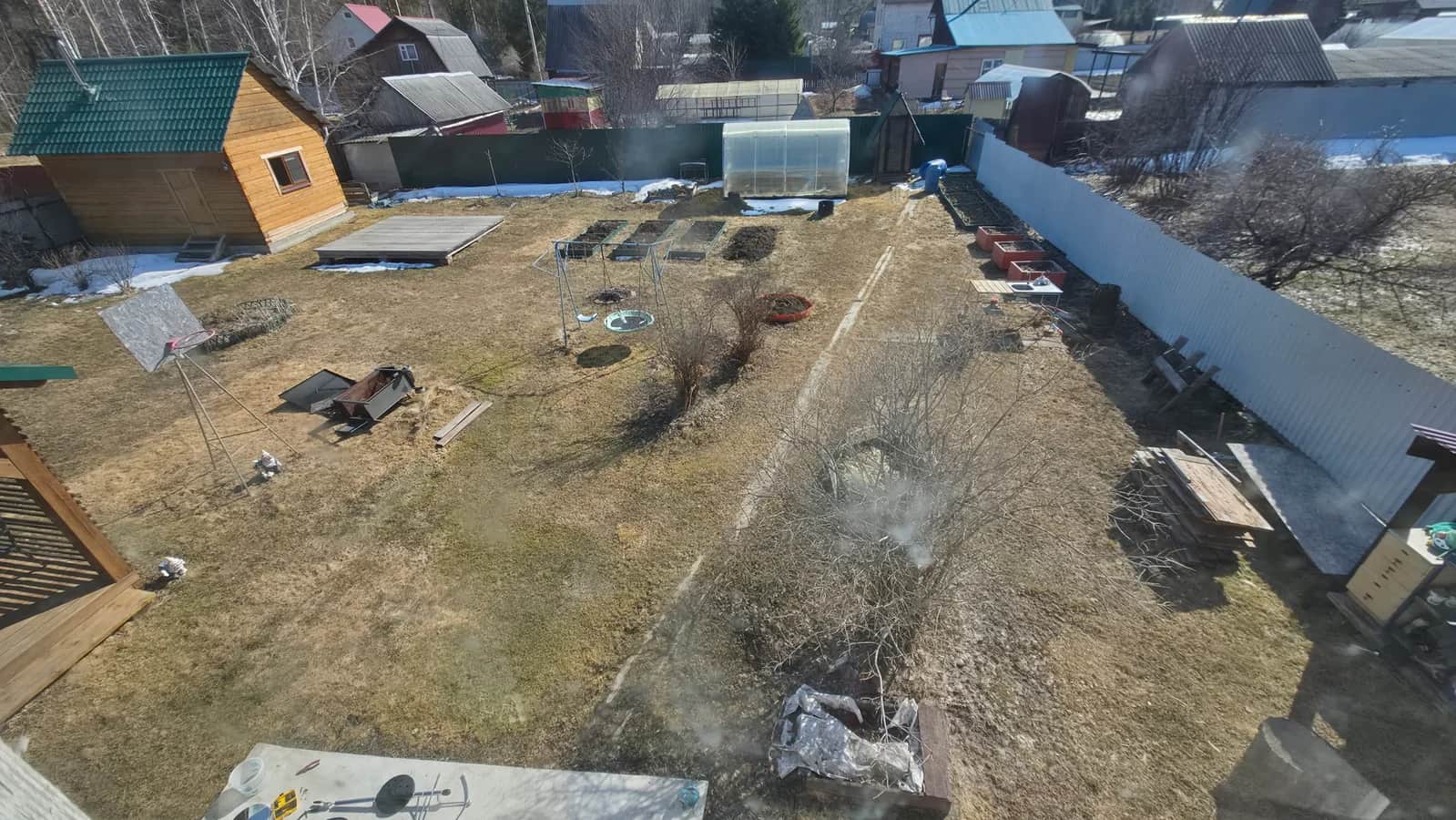
Move the slider. This is an AI concept based on a photo, not a completed renovation. Results depend on your photo and brief.
How it works
01
Choose a photo of your existing garden or prepare a measured plan.
02
Describe your lifestyle, preferred style, region and acceptable maintenance.
03
Get three options from a photo or one layout in three styles with the planner. Refine your chosen solutions before implementation.
Things to consider
Choose how you want to use your garden
For occasional visits, simple maintenance and convenient storage matter. Family use needs a shared table and a play area you can see. Growing vegetables needs access to beds and the utility area. Describe your main use, then prioritise secondary wishes.
Connect surfaces, planting and light
Ask for paths that work with the facade and seating area. Say whether you prefer open lawn or more planting, and where you'd like privacy and evening light. Your region sets the context, but specific plants still need checks for soil, light and winter conditions.
Compare concepts through practical questions
Check routes between areas, space for snow and storage, and planting maintenance. Garden design does not include a work plan or estimate. Confirm quantities, prices and the work sequence with specialists before implementation.
How 3D Dacha helps
Helps you develop a brief for future landscaping.
Compare visual approaches before buying materials.
Photos and plans suit different stages of garden planning.
Before you begin
Will I still need a professional designer after using AI?
For a complex project, yes: drainage, utilities, retaining structures and precise plant selection need professional checks. AI helps at the ideas stage.
Can I describe my own style?
Yes. Choose a custom style and describe it alongside the suggested options. Specific preferences for materials, colours and maintenance are helpful.
Turn your idea into your garden
Choose a photo or plan on the homepage. Prepare a draft before signing in or paying.