Design from a photo
Upload a photo or take one with your phone. Describe the changes you'd like: a seating area, paths, flower beds or a vegetable garden. AI suggests three concepts that take visible buildings into account.
Try AI for three beautiful design options for your garden. All you need to get started is one photo.
✨ Created with modern AI technology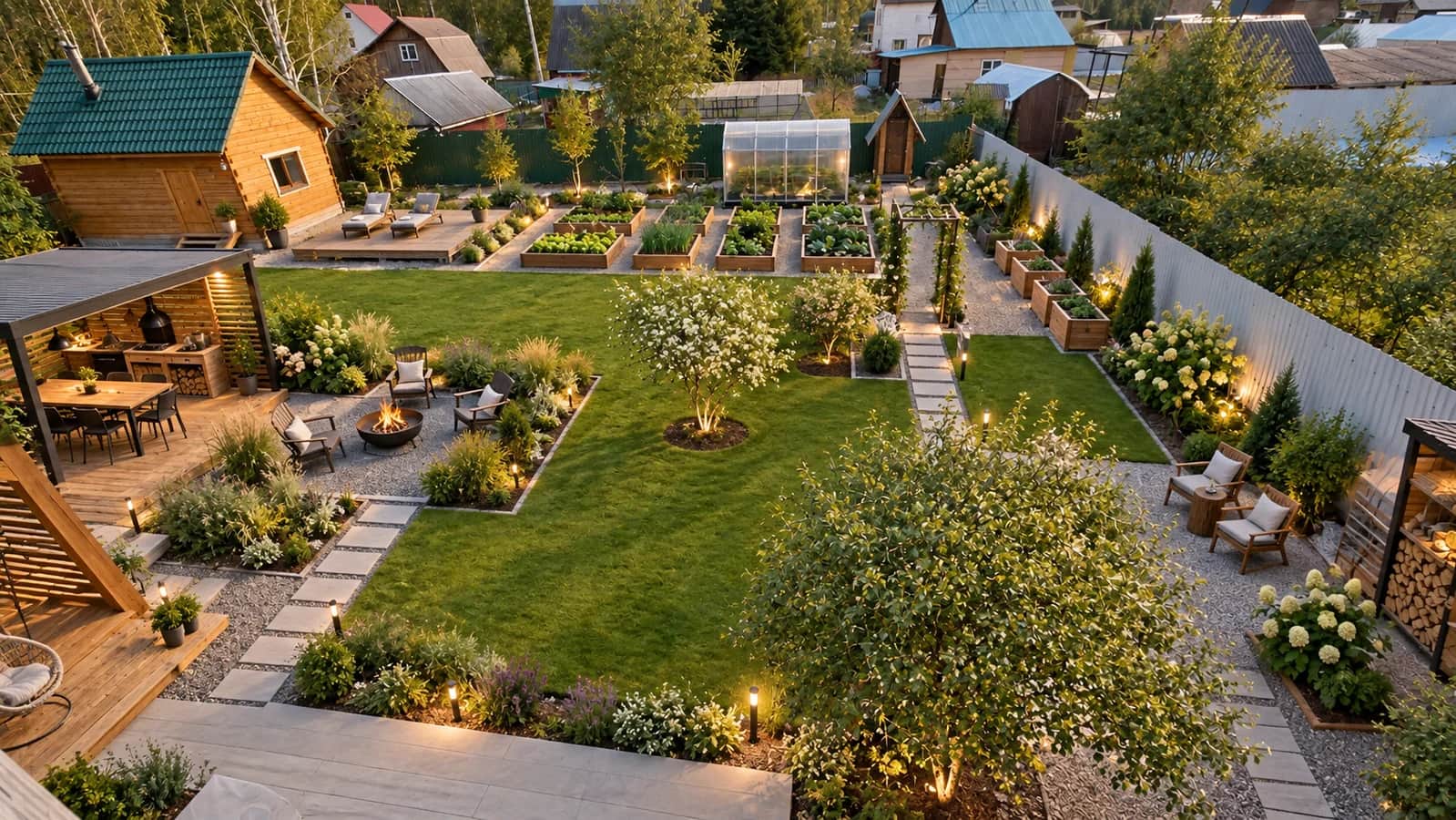
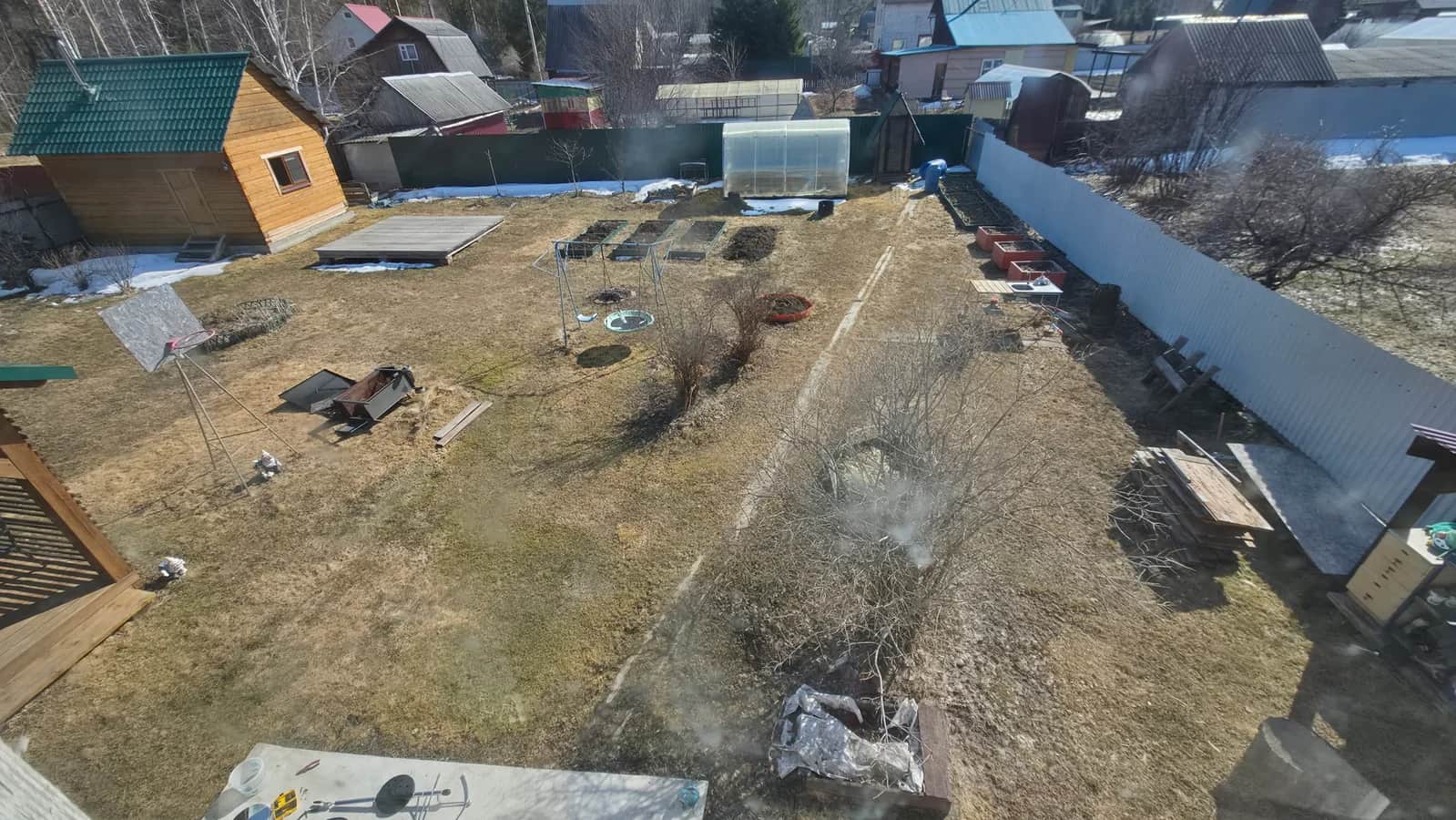
3D Dacha helps you compare landscaping ideas before choosing materials and starting work. Begin with a photo or create a site plan in the editor.
Upload a photo or take one with your phone. Describe the changes you'd like: a seating area, paths, flower beds or a vegetable garden. AI suggests three concepts that take visible buildings into account.
Enter the length and width in metres, then place buildings and plants. Lock existing objects and create a design from your plan. The planner is free, with no registration required.
A garden photo gives three options; the planner gives one layout in three styles. A recognised uploaded plan or aerial image may give one design from three angles. Images and a PDF with guidance are saved in your account; we also email the report.
Place and lock buildings in the planner before generation. With a photo, visible buildings serve as a reference, but AI may alter details. The image is a concept; measurements are needed before implementation.
No. Garden design does not require a budget. A work plan and cost estimate are not included.
Planner projects are stored in this browser. Download JSON as a backup. Generation materials and results are kept in your account for one year; download the files you need in advance.
No. Visualisations illustrate a landscaping concept. Consult specialists about engineering, regulations and final costs before starting work.